Fewer scam calls and texts. Set it up once.
The FTC’s advice works in layers: your phone’s built-in blocking, your carrier’s tools (some are free) and a call-blocking app you’ve checked first. For texts, turn on filtering for unknown senders and forward scam texts to 7726 (SPAM).
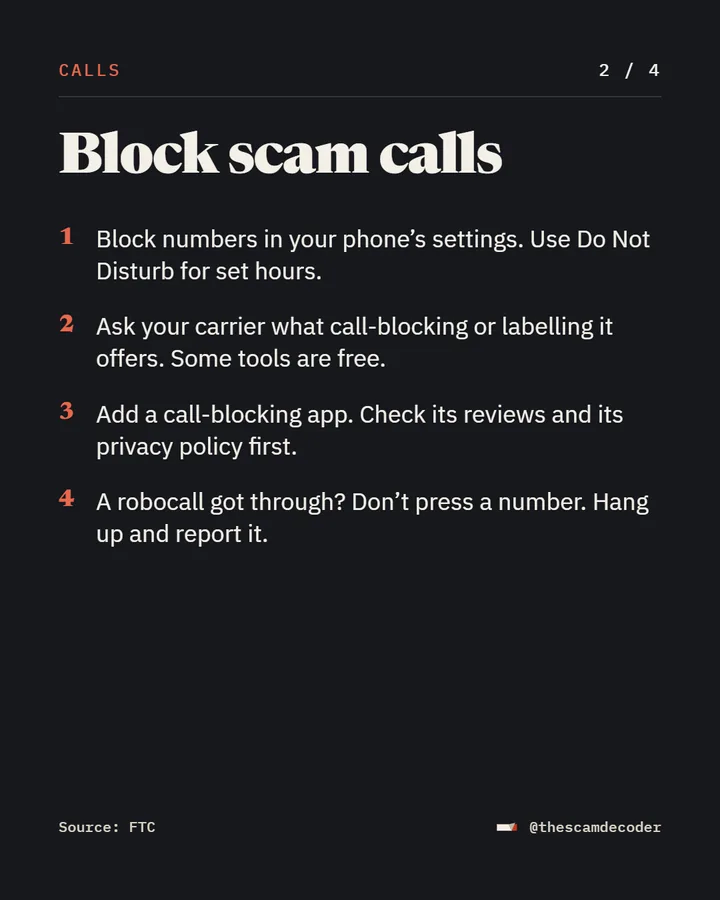
Calls
Block scam calls
- Block numbers in your phone’s settings. Use Do Not Disturb for set hours.
- Ask your carrier what call-blocking or labeling it offers. Some tools are free.
- Add a call-blocking app. Check its reviews and its privacy policy first.
- A robocall got through? Don’t press a number. Hang up and report it.
Source: FTC
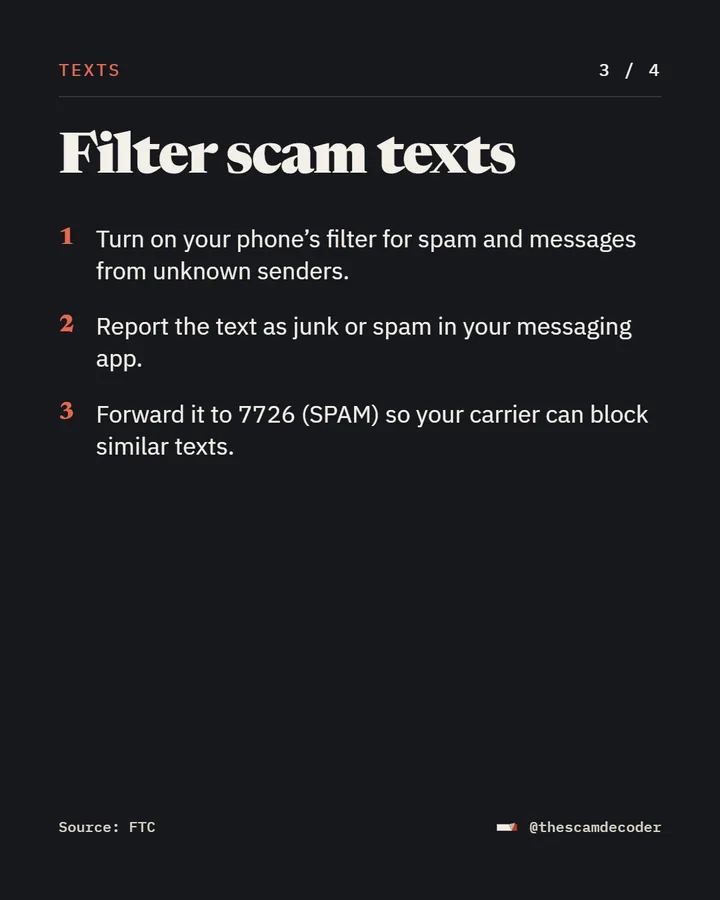
Texts
Filter scam texts
- Turn on your phone’s filter for spam and messages from unknown senders.
- Report the text as junk or spam in your messaging app.
- Forward it to
7726(SPAM) so your carrier can block similar texts.
Source: FTC
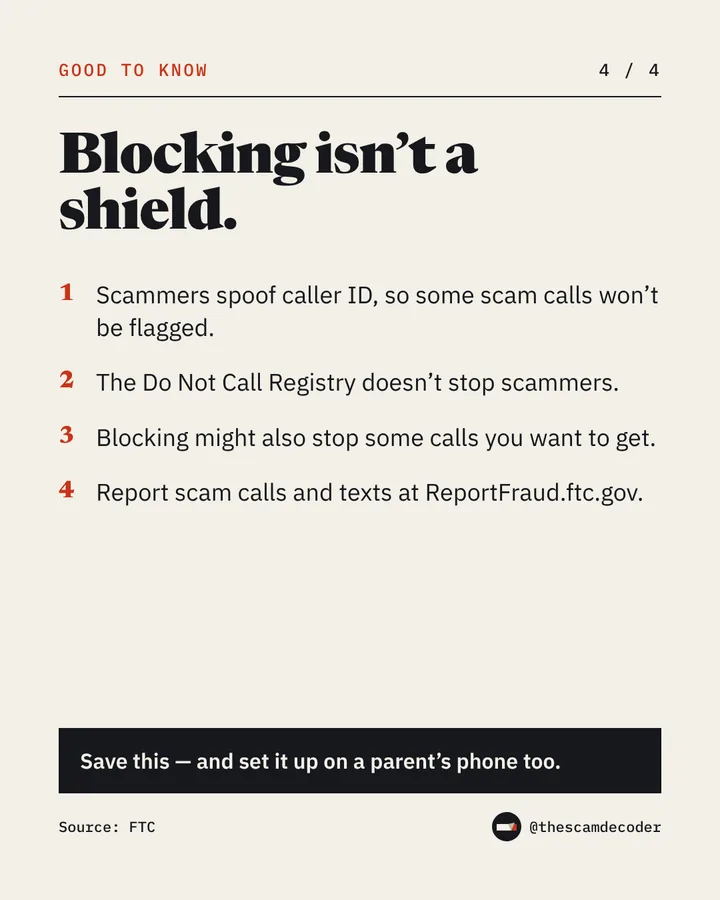
Good to know
Blocking isn’t a shield.
- Scammers spoof caller ID, so some scam calls won’t be flagged.
- The Do Not Call Registry doesn’t stop scammers.
- Blocking might also stop some calls you want to get.
- Report scam calls and texts at ReportFraud.ftc.gov.
Source: FTC
Lost money or shared your details? See every official place to report a scam, in the US and the UK.
On Instagram
A new scam, decoded every weekday.
Plus a new video every Saturday.
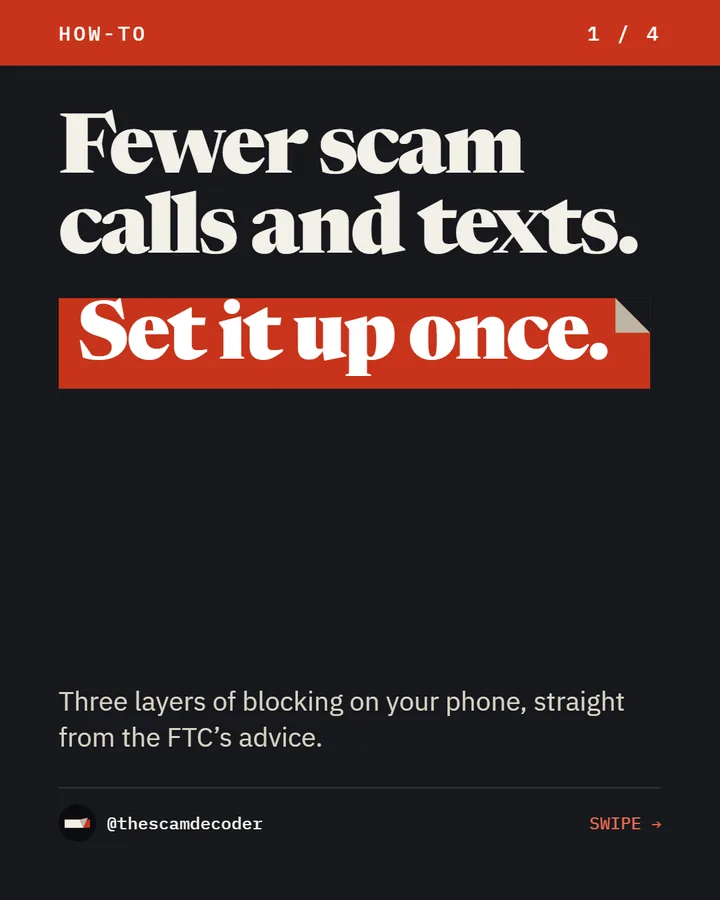
The post as it ran on Instagram on October 29, 2026.
Sources
- Federal Trade CommissionHow to Block Unwanted Calls
- Federal Trade CommissionHow to recognize and report spam text messages
Independent and educational. Not affiliated with any government agency or company.