“Your Social Security statement is ready.” It’s a scam.
In February 2026, Social Security’s Inspector General warned of a surge in fake “statement” emails that copy the agency’s look. The download link can install malware or send you to a fake site.
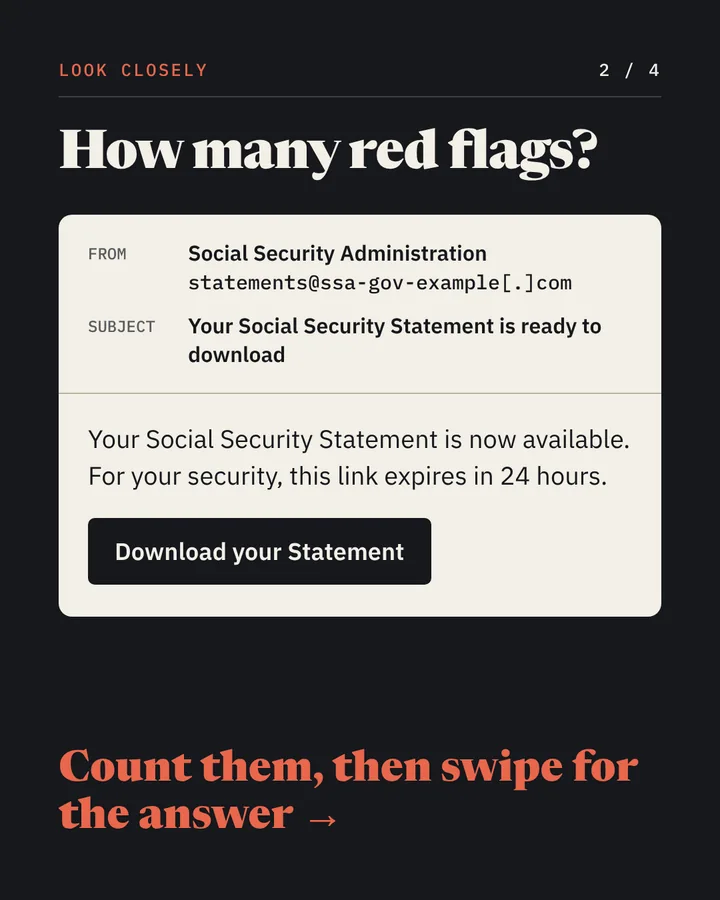
Look closelyEmail
- From
- Social Security Administrationstatements@ssa-gov-example[.]com
- Subject
- Your Social Security Statement is ready to download
Your Social Security Statement is now available. For your security, this link expires in 24 hours.
Download your StatementAnswer
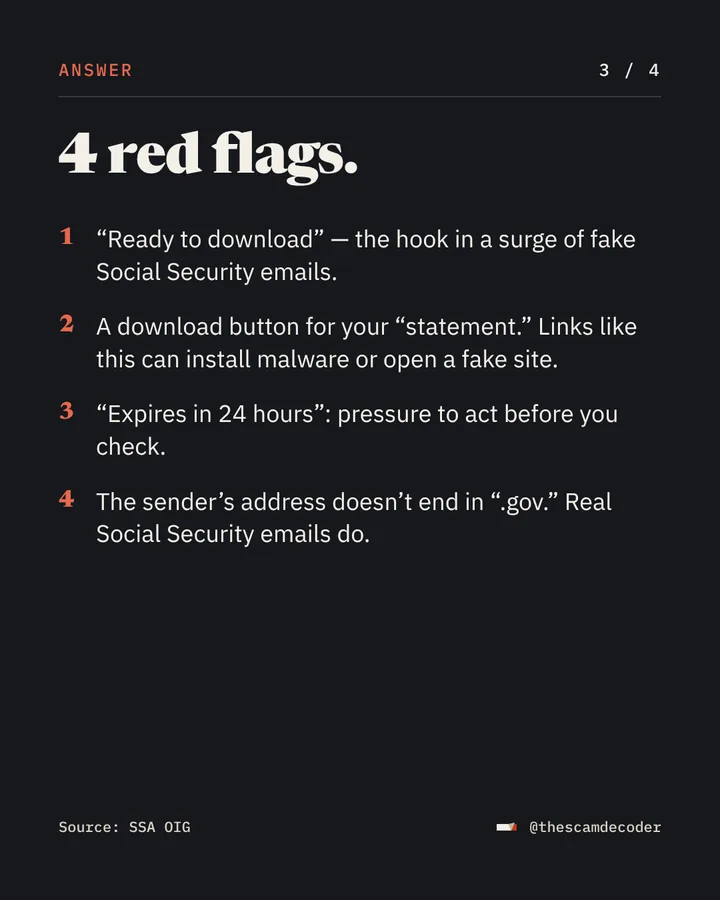
It’s a scam. Here are the 4 red flags.
- “Ready to download” — the hook in a surge of fake Social Security emails.
- A download button for your “statement.” Links like this can install malware or open a fake site.
- “Expires in 24 hours”: pressure to act before you check.
- The sender’s address doesn’t end in “.gov.” Real Social Security emails do.
Source: SSA OIG
What to do
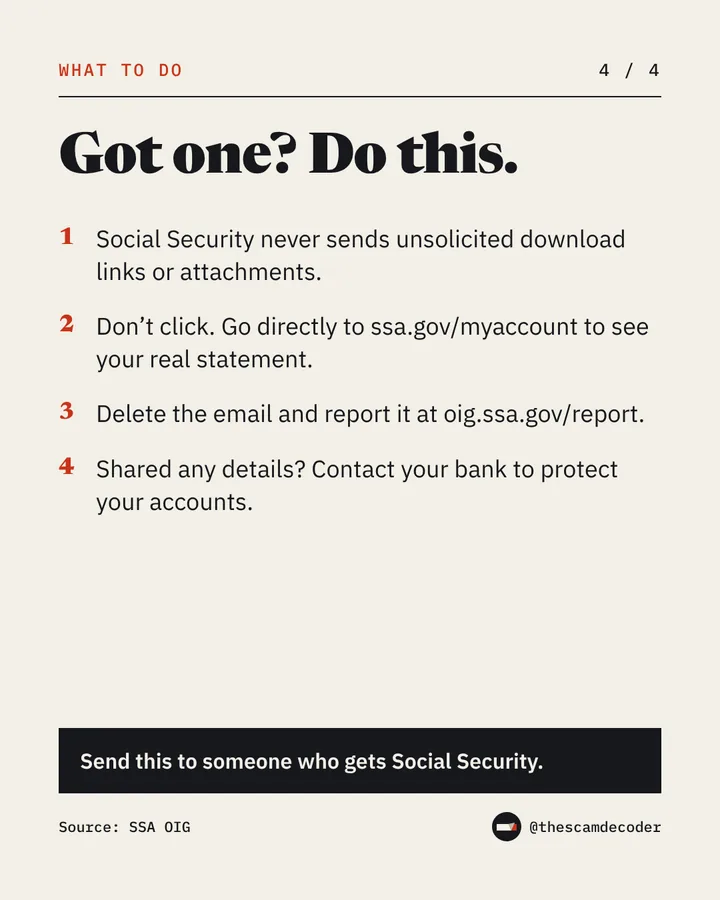
Got one? Do this.
- Social Security never sends unsolicited download links or attachments.
- Don’t click. Go directly to ssa.gov/myaccount to see your real statement.
- Delete the email and report it at oig.ssa.gov/report.
- Shared any details? Contact your bank to protect your accounts.
Source: SSA OIG
Lost money or shared your details? See every official place to report a scam, in the US and the UK.
On Instagram
A new scam, decoded every weekday.
Plus a new video every Saturday.
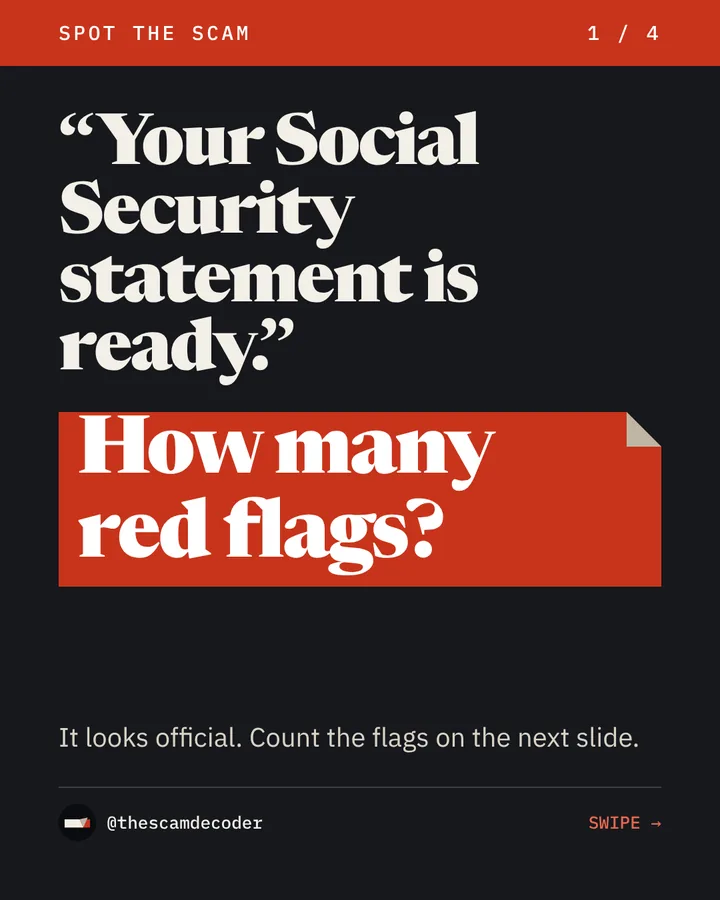
The post as it ran on Instagram on November 3, 2026.
Sources
- Social Security Administration, Office of the Inspector GeneralSSA Office of the Inspector General Warns Public of Surge in Fraudulent Social Security Statement EmailsFebruary 19, 2026
Independent and educational. Not affiliated with any government agency or company.